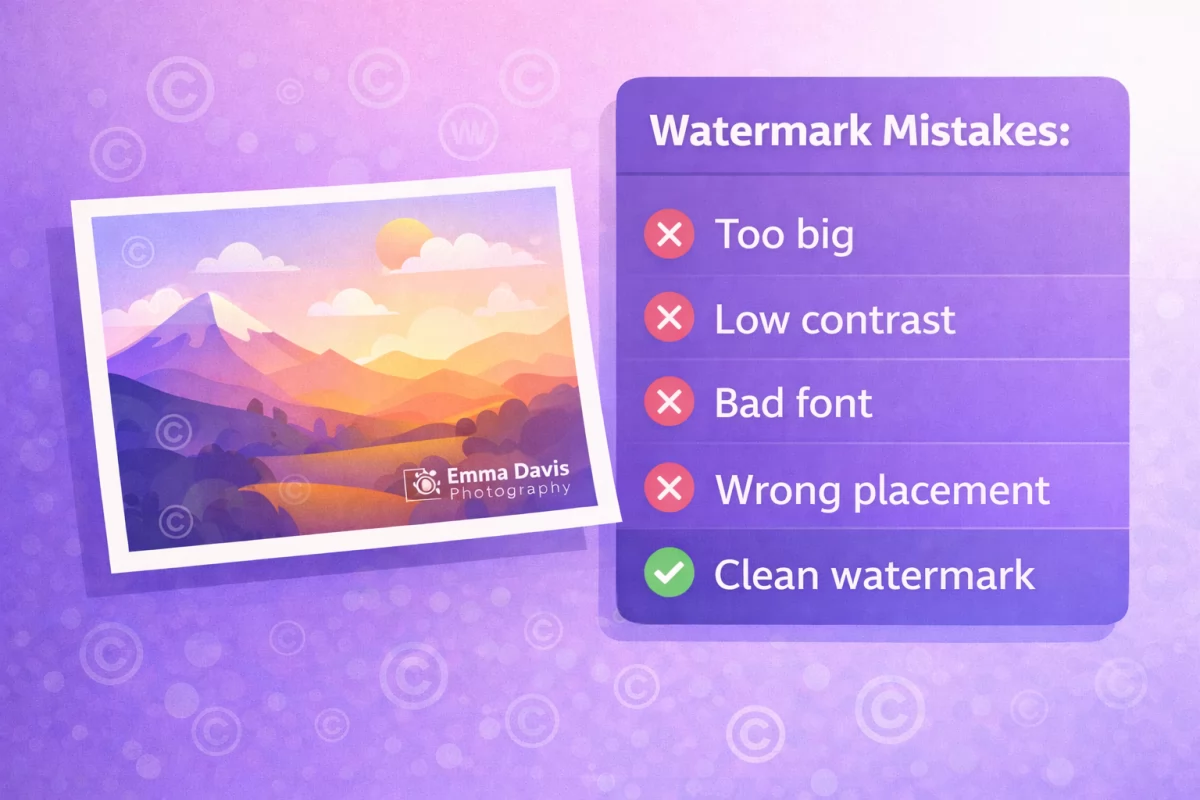
The Challenge of Sharing Photos Online
As a photographer, you need to showcase your work to attract clients. But every image you share online is at risk of being used without your permission. Social media, portfolio sites, and blogs all make it easy for others to download and reuse your images.
Why Client-Side Processing Matters
Most online watermarking tools upload your images to their servers. This means:
- A third party has access to your original, unwatermarked photos
- Your images travel across the internet unprotected
- You're trusting someone else with your intellectual property
Watermark.pro takes a different approach. All processing happens directly in your browser. Your images never leave your device, ensuring complete privacy.
Setting Up Your Workflow
Step 1: Create Your Watermark Layers
A robust watermark strategy uses multiple layers:
- Primary text layer: Your name or studio name in a clean font at 30-40% opacity
- Tiled background: A small copyright symbol repeated across the image for added protection
- Logo overlay: Your studio logo positioned strategically
Step 2: Save as a Preset
Once you've perfected your watermark design, save it as a preset. This ensures consistency across all your images and saves time on future sessions.
Step 3: Batch Process Your Shoots
After a photo shoot, use the batch processing feature:
- Open the Batch tab and drop all your edited images
- Customize positioning per image if needed
- Click "Apply to All"
- Download everything as a ZIP file
This workflow lets you watermark an entire shoot in under a minute.
Tips for Photographers
- Low-res for web: Export web versions at reduced quality; keep originals unwatermarked for clients
- Consistent branding: Use the same preset for all images in a series
- Strategic placement: Place watermarks where they can't be easily cropped out
- Keyboard shortcuts: Use Ctrl+Z to undo, arrow keys to nudge positioning, and Ctrl+E to quickly export
Conclusion
Protecting your photography doesn't have to mean sacrificing quality or privacy. With client-side tools like Watermark.pro, you can maintain full control over your images while adding professional watermarks efficiently.